🌙

Luna

Align with the lunar cycle

Wish · Release · Repeat

🌐 Open the App 📱 Add to Home Screen

🌙 About Luna

Your sacred lunar companion

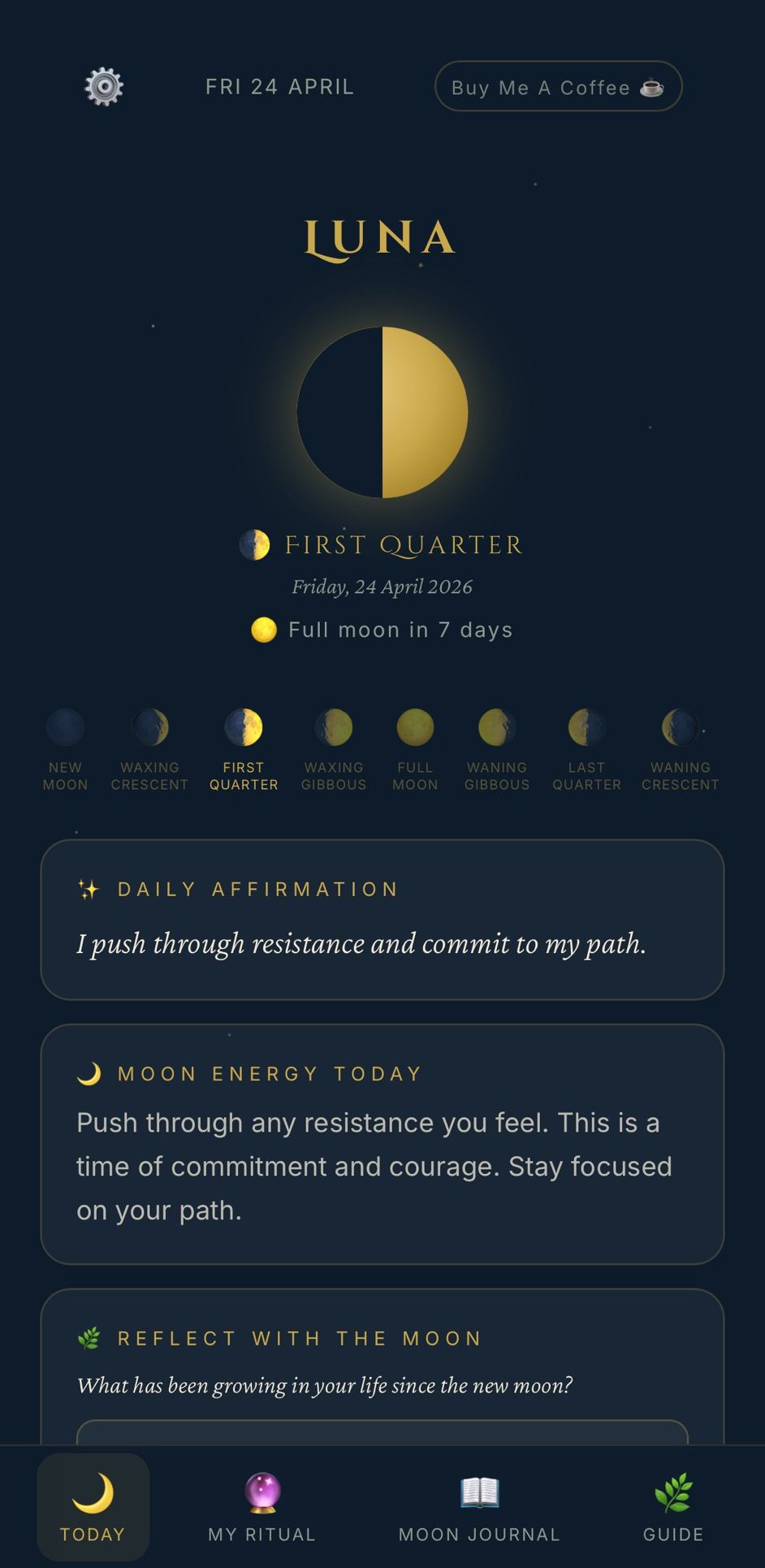
Luna helps you set intentions with the new moon and release what no longer serves you with the full moon. Track every phase, follow daily rituals, and keep a journal that moves with the rhythm of the sky.

Beautiful by moonlight

Luna today screen
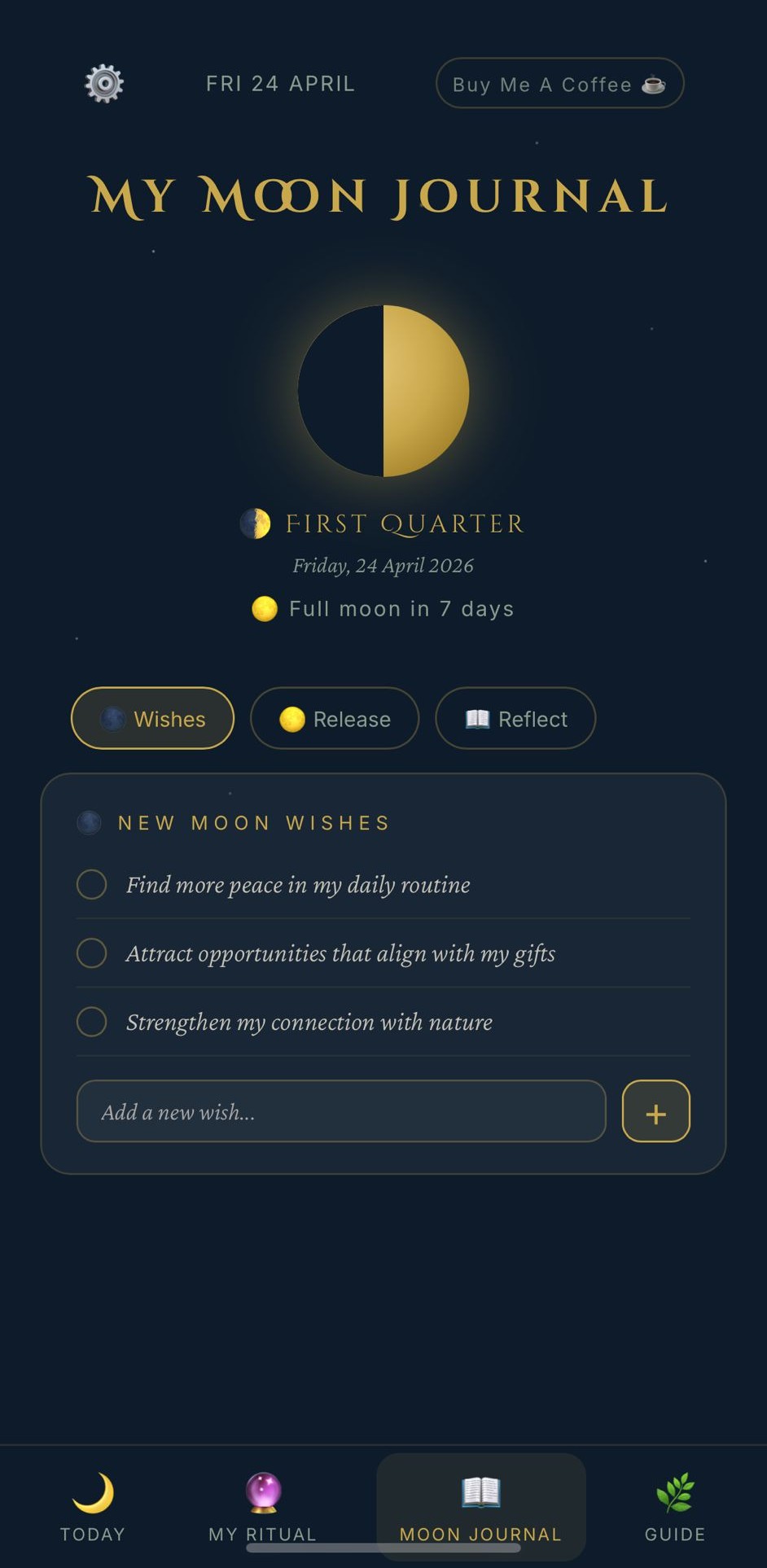
Luna moon journal
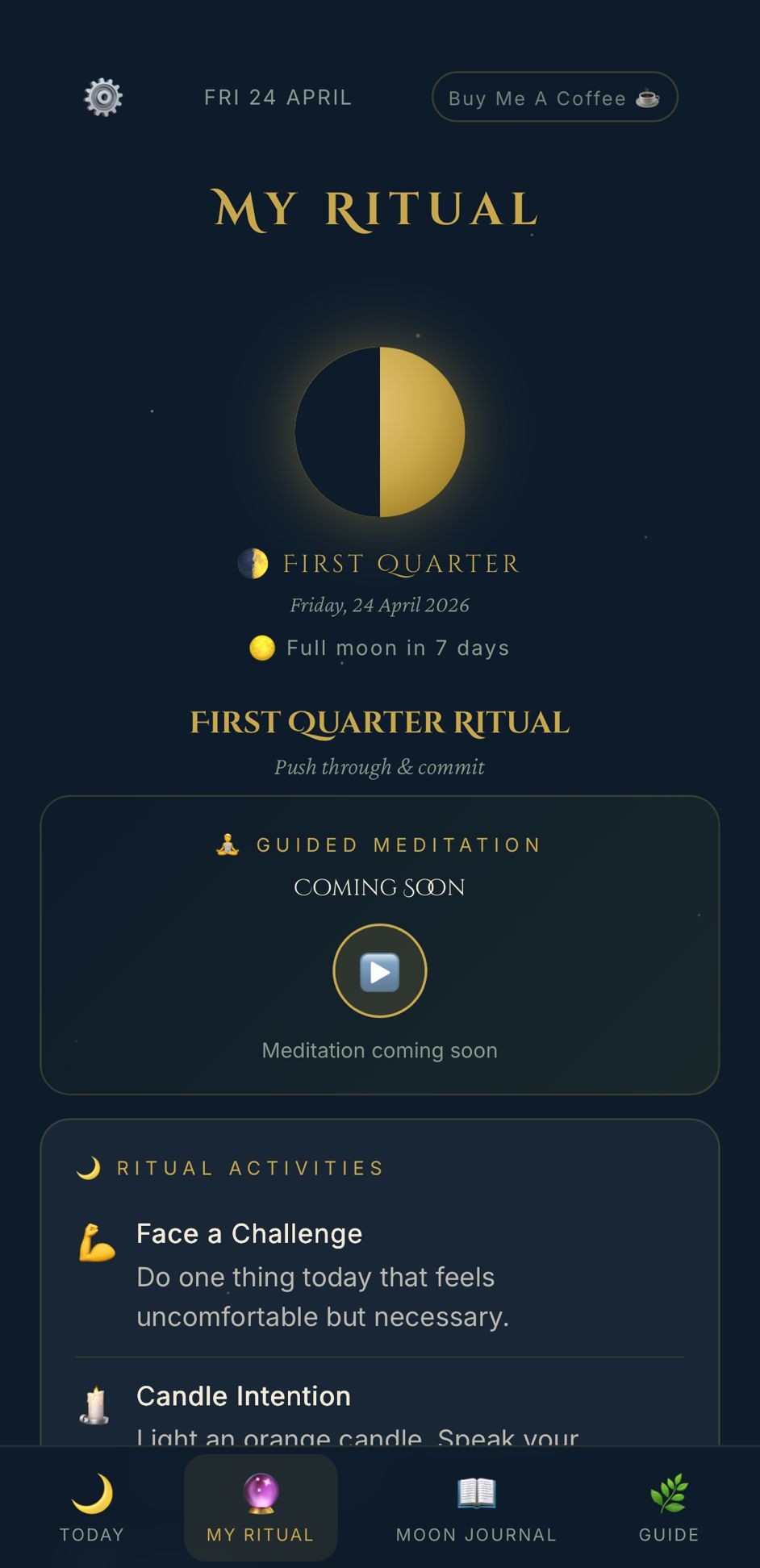
Luna ritual screen
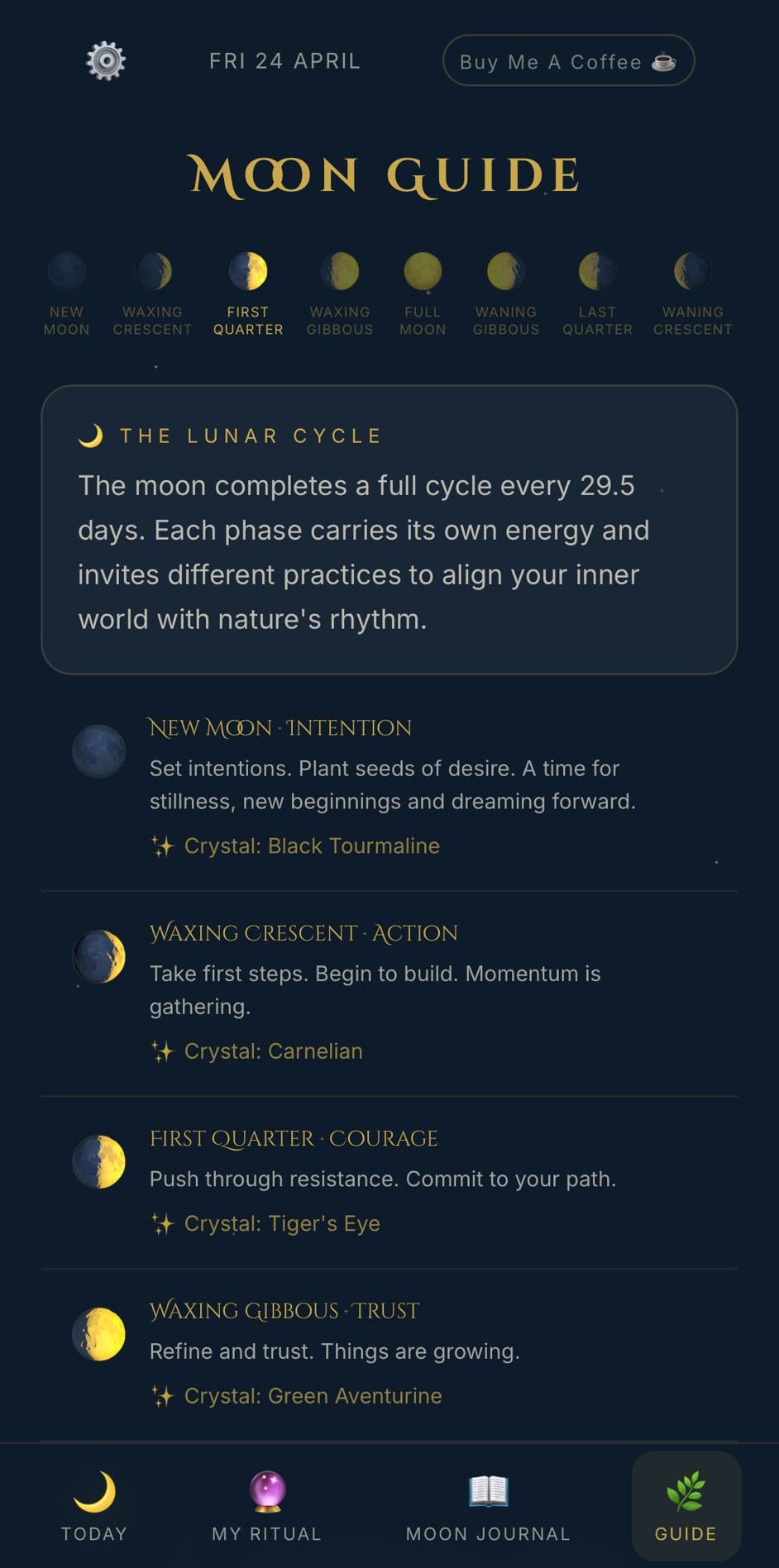
Luna moon guide

🌿 Features

Everything you need

🌑
New Moon Wishes
Set your intentions and wishes with each new moon. Track them as they grow through the cycle.
🌕
Full Moon Release
Let go of what no longer serves you. Reflect on your growth each cycle.
📅
Moon Calendar
See every moon phase for the month ahead. Always know what's coming.
🔮
Daily Rituals
Receive rituals, activities and crystals matched to the current moon phase.
🌿
Moon Guide
Learn about all 8 lunar phases - their energy, their meaning and their crystals.
🌙
Night Stories
Gentle bedtime stories narrated for adults - settle in and let sleep find you.
📖
Guides & Rituals
Candle rituals, crystal guides, bath rituals, moon water and much more.
🔔
Moon Notifications
Get notified when the moon changes phase so you never miss a moment.
💛
Free to Use
Luna is free. Open it in any browser or add it to your home screen for the full app experience.

Go deeper with Luna Circle

A sacred membership for those who want to go further - meditations, live healing sessions, courses and more.

Luna Circle & Luna Full Circle

Guided meditations for every moon phase, deep-dive courses, healing practices, journal prompts, night stories and monthly live sessions with Neelam.

🧘 Guided Meditations 📚 Courses 🌕 Live Circles 🌙 Night Stories 📝 Journal Prompts 💬 Community Circle 🌿 Healing Practices
Explore Luna Circle ✦

Install Luna on your phone

Luna works like a native app - no app store needed. Just follow these simple steps to add it to your home screen.

🍎

iPhone · Safari

  1. 1Open lunawishes.co.uk in Safari
  2. 2Tap the Share button at the bottom of the screen (the box with an arrow pointing up)
  3. 3Scroll down and tap "Add to Home Screen"
  4. 4Tap Add - Luna will appear on your home screen like any other app 🌙

Must use Safari - not Chrome or another browser.

🤖

Android · Chrome

  1. 1Open lunawishes.co.uk in Chrome
  2. 2Tap the three dots menu (⋮) in the top right corner
  3. 3Tap "Add to Home screen"
  4. 4Tap Add - Luna will appear on your home screen 🌙

You may also see an automatic "Install" prompt appear at the bottom of the screen.

🌙 Get Luna

Start your lunar journey

Set your intentions with the new moon. Release with the full moon. Free in any browser.

🌐 Open the App 📱 How to Install